Say goodbye to this old forum software

To reset your password you have to have your registration email & then it's going to send a reset link to that email.

If you don't have that email any more you're going to have to contact us (go to the Contact page) and we'll have to fix it manually.
 
This is very much a work in progress. We don't know how to do a lot of things yet, what features to enable, needs theming, some users can now log in but have no permissions even though their permissions are set correctly, lots of fun...
 
Just plain outstanding improvement!! It's actually a pleasure to navigate and read now. Thanks for all the work and future tweeks that are yet to come.
 
I tried to post one photo and it says it is to large
I had the same issue, but had the option to choose the image size when attaching file. I’m using an Apple device. The original was 12.6MB and was too large so I changed it to size large, which was 1.9MB, and it worked. This was at the bottom of my screen when I did attach file and it showed “show selected” at the bottom of screen and I could change the size there. Again, this was on an Apple device. May be different on others.
 
full
 
I had the same issue, but had the option to choose the image size when attaching file. I’m using an Apple device. The original was 12.6MB and was too large so I changed it to size large, which was 1.9MB, and it worked. This was at the bottom of my screen when I did attach file and it showed “show selected” at the bottom of screen and I could change the size there. Again, this was on an Apple device. May be different on others.
So as a non iPhone user I have run into the same issue. Curently cheating the system by sending photos to myself in Facebook then re downloading them which compresses them from 9mb to 3. So far can't find any method in settings to change my image size.
 
I'm sure there will be issues posting media while we figure out what settings impact that & what they need to be set to
 
Also, I can't fix anything while at work. So during the day all request will have to wait until I get home in the evening
 
Also dot not create a new profile just to message us about your old account. Just go to


and send me an email
 
So as a non iPhone user I have run into the same issue. Curently cheating the system by sending photos to myself in Facebook then re downloading them which compresses them from 9mb to 3. So far can't find any method in settings to change my image size.
I tried doing the same thing. I saved a photo I have posted on facebook and tried to post it here but it still says it is too big
 
I was able to read forum only, obviously as a guest. Finally managed to log in with a temporary password Stu provided me with. Once logged in said I did not have permission to go to the forum. Stu checked and found my permissions were all turned off & fixed that. Once that was fixed, system told me that I had to set up secondary authentication and would not allow me to view forums again as long as I was logged in. Following instructions provided, I tried to set up secondary authentication, but was unable to complete that as they never sent authentication code; still able to read only if logged out again. Fortunately, somewhere during that process I was able to get into my profile and discovered that, although I had entered my correct email address when attempting to reset password, the system had ignored my current email address & came up with the very first email address I had back in 2006 when I signed on to PM (Have had two more in the meantime)! I changed that to current and figured I was good to go, but no cigar; still can't open forum when logged in. Tried disabling secondary authentication but still no-go. Finally gave it up about midnight. Turned computer on this morning and l0 & behold it works!! I think problem was w/system remembering my original email address and even after resetting that, it didn't recognize the current address in real time...who knows.

Thanks a million, Stu, for all the help!

Now, let's see if I can post a picture. Same as Jeremy....pic too large.

I'm going to play with resizing picture in my program and see if that works.....more later.

ETA: Resized picture in my files down to 800X600 (The size I used on old PM) and still got "Picture too large" message. Back to drawing board.

Was able to copy this picture from an old post of mine on PM but size is only 640x480
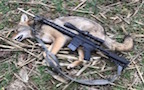
1699546358836.jpeg


OK...think I finally figured it out.

* <Double click> desired picture from your My Pictures file
*<Right click> on picture and <click Resize Image>
* On Resize drop down, <click Width (px) and enter 1024>
then <click Save>
*Next select the file in which you wish to save the (resized) photo and <click Save> again.
*<Click View Folder> and your (resized) picture will be highlighted,
*Right Click highlighted picture>
<Click Copy> on drop down menu
and paste where wanted in your post.

There may be an easier way to do this, but I haven't found it yet. :)

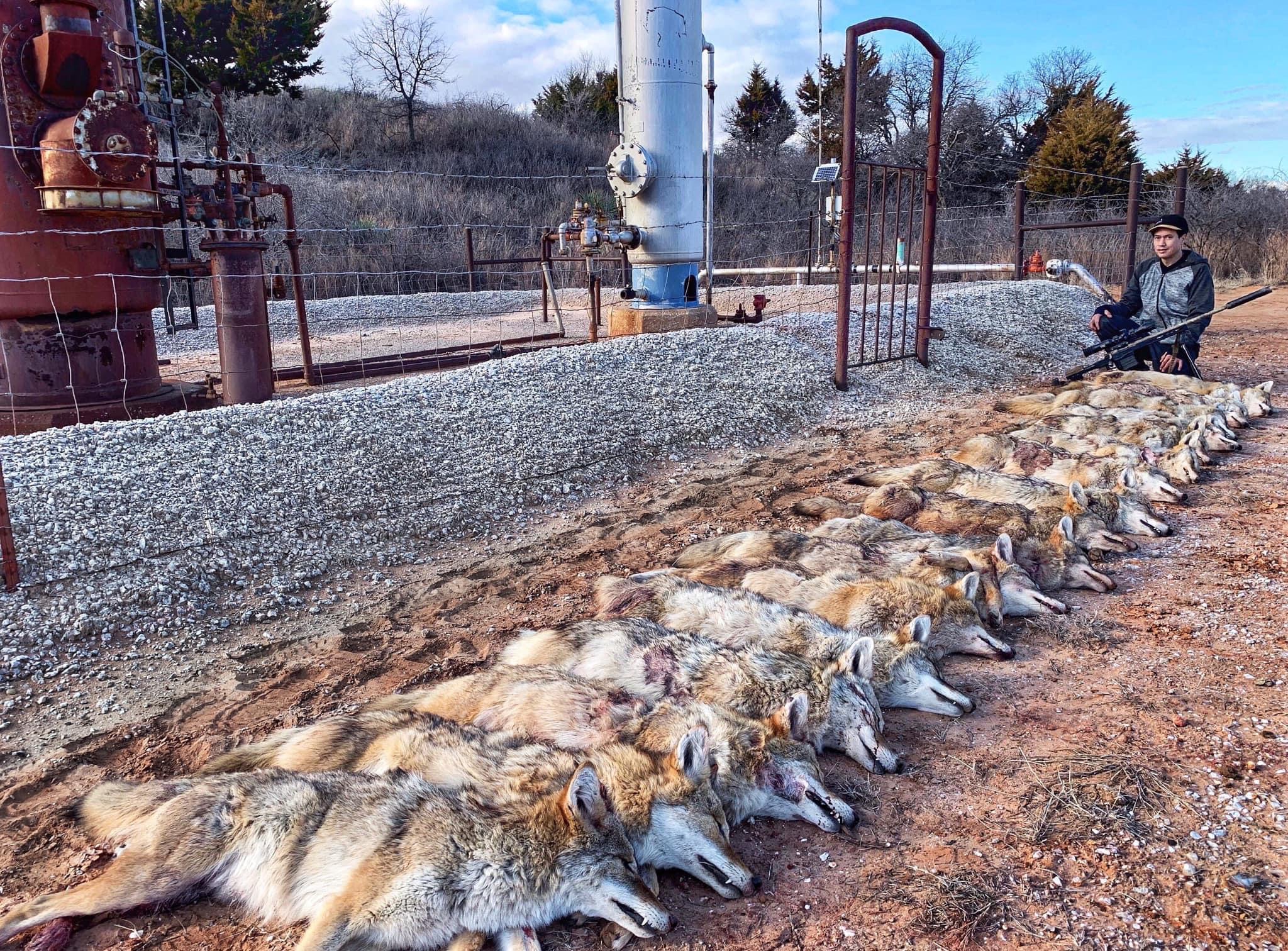
1699548314281.jpeg

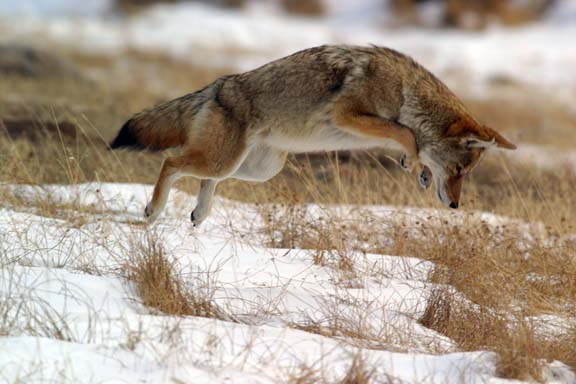
1699549395923.jpeg


Regards,
hm
 

Attachments

  • 1699546997947.jpeg
    1699546997947.jpeg
    207.1 KB · Views: 65
Last edited:
Back
Top